Connecticut Office Technology Dealer
Kyocera Multifunction Printer Sales, Lease & Service in CT
Print, copy and scan on one device. We help Connecticut businesses pick the right Kyocera model, install it, train your team and keep it running.
- Purchase, lease or rent to fit your budget
- Cloud print and scan to OneDrive, Google Drive and Box
- Local install, training and repair across Connecticut
Locally owned and serving Connecticut businesses since 1982.
Prefer to talk? Call (203) 239-6511
Get Kyocera MFP pricing
Tell us what your office needs. We'll send options and pricing, with no pressure.
Why Connecticut businesses buy from Supreme
One device, four jobs
Print, copy, scan and fax from a single Kyocera multifunction printer, so your team stops juggling machines.
Buy, lease or rent
Choose the option that fits your cash flow. Rentals come with low monthly payments that include service and supplies.
Works with your cloud
Scan and print with SharePoint Online, OneDrive, Google Drive and Box.com, plus Azure Active Directory sign-in.
Control print costs
Set print policies and quotas, and track cost by user or department, so you see where the paper and toner go.
Local service and training
Factory-trained technicians install the device, train your staff and handle repairs across Connecticut.
Print from any device
Windows, Mac, Android, iOS and Chromebook are supported, plus the Kyocera Mobile Print app for phones and tablets.
Kyocera multifunction printers for your office
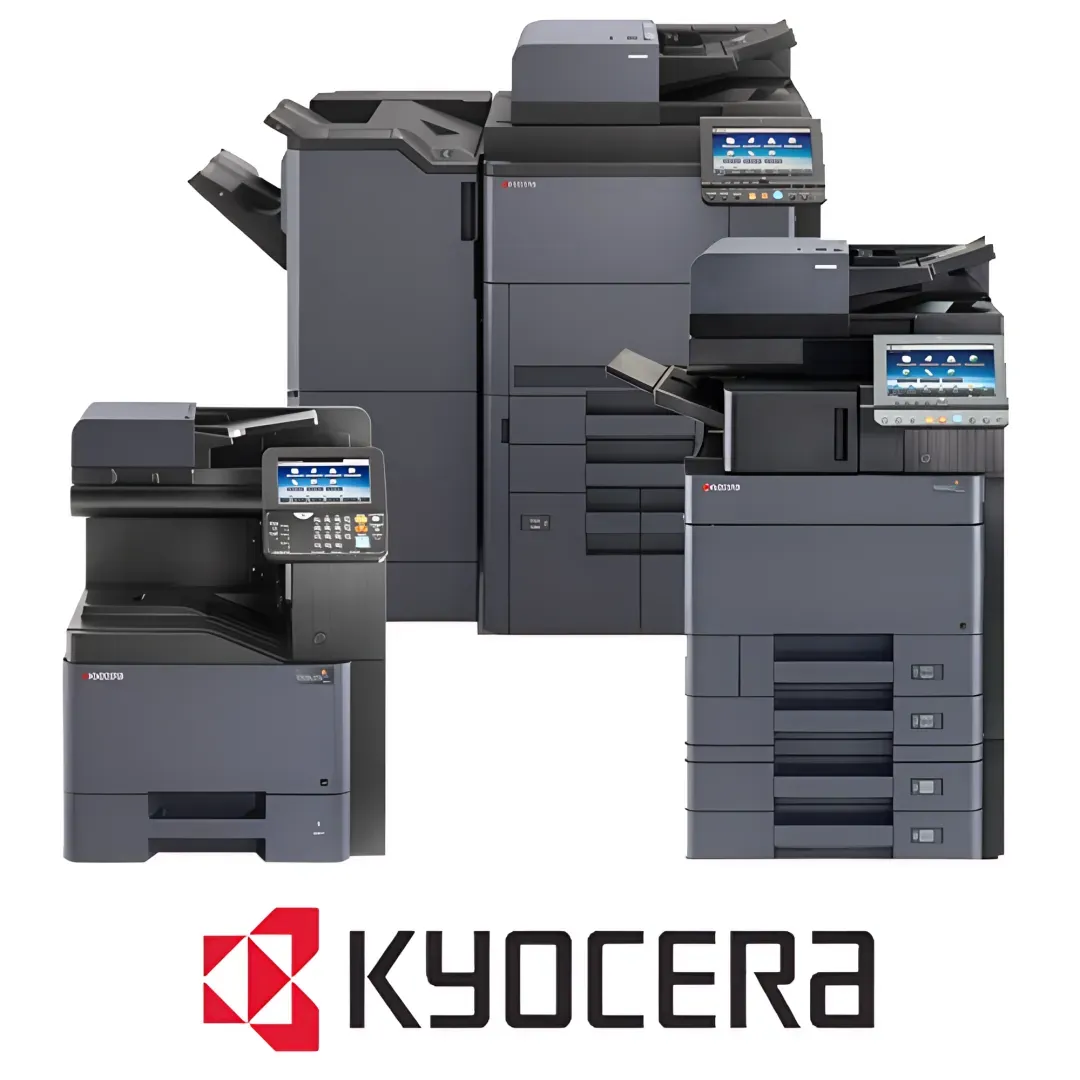
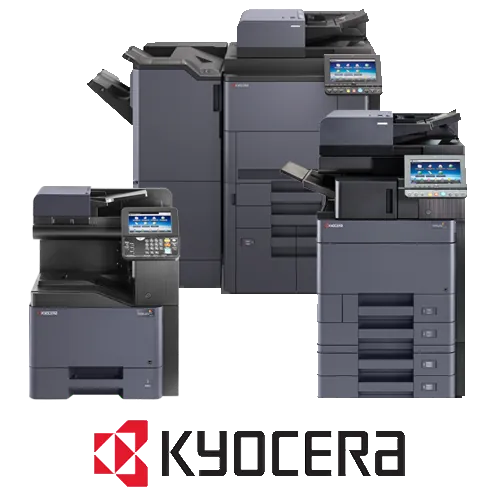
Kyocera printers and multifunction devices handle print, copy and scan in one machine. They are part of Kyocera's award-winning range of device technology and integrated business process improvement solutions, and they fit small offices, branch locations and large departments alike.
We are a locally owned Connecticut dealer. We start with a free, no-obligation assessment of how your office prints today, then recommend the right model and ownership option. After that, we handle delivery, setup, user training and ongoing support.
- Multifunction devices that print, copy and scan in one unit
- Kyocera scanners with OCR for text-searchable, editable files
- Scan to email, network folders and cloud storage platforms
- Cloud print and scan with Microsoft Azure Active Directory sign-in
- Print policies, quotas and cost control by user or group
- Support for Windows, Mac, Android, iOS and Chromebook
- Purchase, lease or rent, with maintenance service plans available
- Installation, deployment, user training and equipment moves
A Connecticut dealer businesses stay with
“I've been working with Supreme Office Technology for over 20 years. Supreme Office Technology is one of our most valued vendors. Besides being knowledgeable in their field they always go beyond the standards of servicing. I would highly recommend Supreme Office Technology for competitive pricing and excellent service.”
“Mr. Veno. Thank You for the emergency service that your company provided. We had contacted several other vendors but they were unable to respond. Because of you and your company we were able to produce our Friday night menu and entertainment program and the show went on. We can't thank you enough!”
“I'm so glad Martina told us about Supreme Office Technology. After the prior service company, you only had to be half as good as Martina bragged on you to make it a joy for me to write you checks. And I'm sure you're every bit as good (prompt/reliable service) to all of your customers as you have been to us or she'd not have recommended you so highly.”
What happens after you ask for a quote
We talk about your office
Tell us your print volume, paper sizes and must-have features. We ask a few questions to narrow the options.
Free office assessment
We review how your office prints today with a no-obligation, no-pressure assessment, then recommend Kyocera models that fit.
Install, train and support
We deliver and set up the device, train your staff and keep it running with technical support and maintenance plans.
Frequently asked questions
How much does a Kyocera multifunction printer cost?
Pricing is available on request. Cost depends on the model, speed, color or black and white, and whether you purchase, lease or rent. Tell us your needs and we will send pricing.
Can I lease or rent instead of buying?
Yes. Kyocera printers and multifunction devices are available to purchase, lease or rent. Rental systems are offered with low monthly payments that include service and supplies, so there is no large capital outlay.
Do you install the printer and train our staff?
Yes. We provide installation service, deployment and setup, plus user training sessions and ongoing technical support.
What areas do you cover?
We serve businesses across Connecticut, including New Haven, Waterbury, Middletown and the surrounding areas. We do not sell or service outside Connecticut.
Can you service the machine after the sale?
Yes. We offer equipment repair and maintenance, break-fix service, remote monitoring and diagnostics, and maintenance service plans.
Will it work with our cloud storage and logins?
Kyocera devices support scan to email, folders and third-party cloud storage including SharePoint Online, OneDrive, Google Drive and Box.com, with Azure Active Directory integration for sign-in.
Get pricing on a Kyocera multifunction printer
Tell us what your Connecticut office needs. We'll recommend the right model and send purchase, lease and rental options, with no obligation.
- Purchase, lease or rent to fit your budget
- Cloud print and scan to OneDrive, Google Drive and Box
- Local install, training and repair across Connecticut
Prefer to talk? Call (203) 239-6511