
Anonymous bias & microaggression hotlines
Bias Incident Reporting Your Team Will Actually Use
Give every employee a mobile, anonymous way to report bias, discrimination and microaggressions — and give HR a real case file to act on.
- Anonymous by design — no one can trace who filed a report
- Two-way threads with photos and files attached as evidence
- Case tools for HR and legal, plus AI pattern insights
SHRM 2020: 82% of employees share critical feedback more freely when anonymous
Get your bias reporting quote
Tell us about your organization. Subscription pricing scales to your size and number of users.
Why employees report bias here and stay silent elsewhere
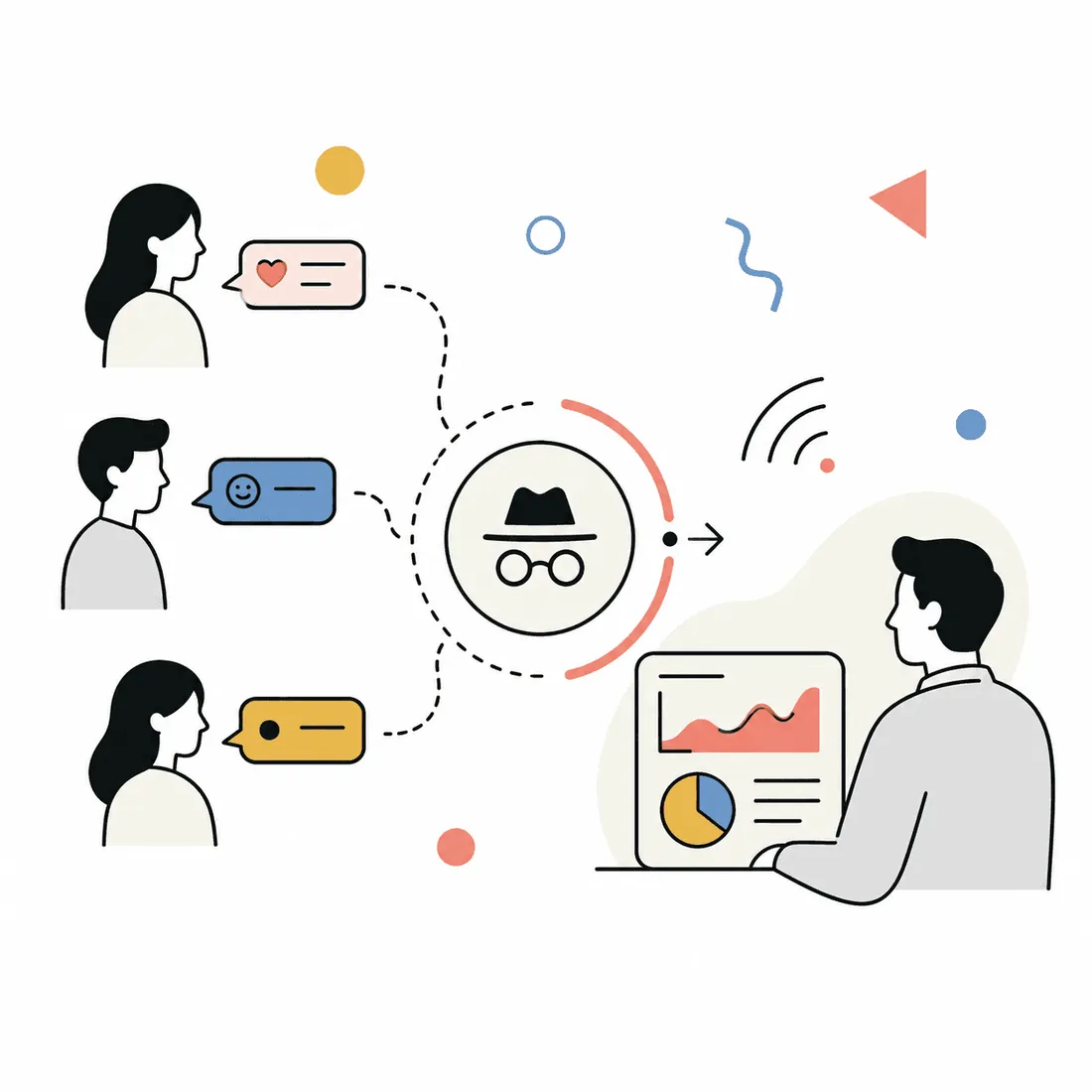
Anonymous by design, not by promise
There is no technical way inside the platform to reveal who sent a report. Neither your team nor AnonyMoose can identify the author.
Report the moment it happens
Employees open the app on their own phone, pick the bias Hotline and start typing. No phone call, no private room, no company email needed.
Evidence comes with the report
Both sides can attach documents, images, screenshots or other files inside the same thread, so context is not lost.
Real case management for HR and legal
Handle every report in AnonyMoose Web with urgency levels, status, internal notes, activity history, filtering and search.
See patterns, not just single reports
The Insights Dashboard uses AI to analyze themes across reports on a Hotline, so leaders see what people collectively experience.
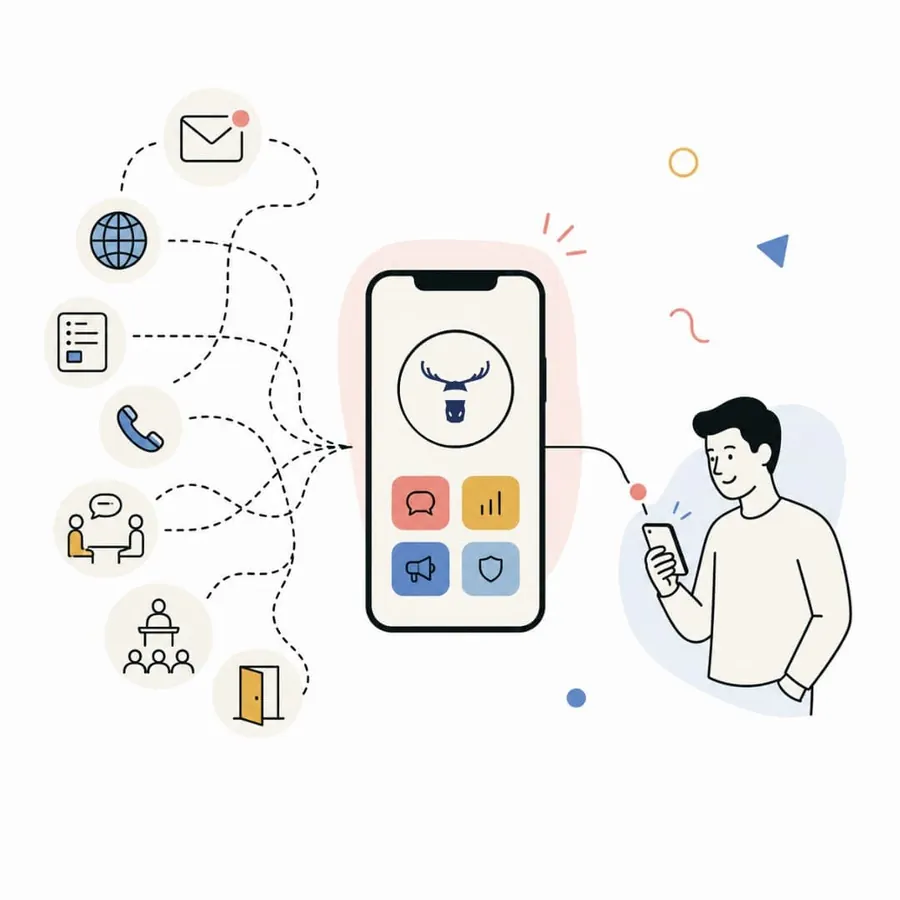
One app covers more than bias reports
Hotlines, Openlines, Polls & Surveys and Broadcast come in the same subscription instead of four separate tools.
How bias incident reporting works in AnonyMoose
You build your own directory of Hotlines, each one dedicated to a specific issue — bias, workplace discrimination, sexual harassment, microaggression, compliance and ethics violations. Each Hotline is assigned to the people who should receive it, usually in HR, legal or senior leadership.
When an employee files a report, the conversation thread stays open. Your team can ask follow-up questions, share policy documents, offer counseling resources or training material, and track the case to closure — while the reporter stays anonymous the entire time.
- Dedicated Hotlines for bias, discrimination, harassment, microaggressions and ethics concerns
- Route each Hotline to the right HR, legal or leadership recipient
- Conversational threads so you can ask follow-up questions after the first report
- Attach documents, images, location data, screenshots or any other file
- Manage cases in AnonyMoose Web with urgency levels, status, notes and activity history
- Insights Dashboard shows AI pattern analysis across reports without exposing identities
- Mobile-first for deskless and frontline staff who never check company email
- Setup uses employee data exported from any HRMS as a simple Excel file
- No hardware, no on-premise install — cloud SaaS available 24/7 worldwide
What happens after you request a quote
Tell us about your workforce
Share your headcount, industry and how many people need access. That sets the subscription scale.
We map your Hotline directory
We walk through the bias, discrimination and ethics Hotlines you want, and who receives each one.
You get pricing and a rollout plan
You receive a custom quote plus a setup plan. Hotlines are typically deployable in 2–4 weeks from an HRMS Excel upload.
Frequently asked questions
How much does bias incident reporting cost?
Subscription pricing is scaled to your organization size and number of users, with custom enterprise pricing available. Send your headcount through the form or email info@anonymoose.co and we will quote it.
Is the reporting really anonymous?
Yes. Identities are untraceable by design. There is no technical mechanism in the platform that can expose who sent a message, so neither your organization nor AnonyMoose can identify the author.
Can we follow up on an anonymous bias report?
Yes. The thread stays open after submission, so your HR, legal or leadership recipient can ask follow-up questions, send policy documents, and share counseling or training resources in the same conversation.
How long does setup take?
Hotlines are typically deployable in 2–4 weeks. Employee data is uploaded from any HRMS as a simple Excel file. There is no hardware and no on-premise install.
Will frontline and deskless staff be able to use it?
Yes. Employees download the app on their personal phone, get authenticated from the HRMS upload, and receive push notifications. No company device and no company email address are required.
Can we spot trends without identifying anyone?
The Insights Dashboard shows aggregated analytics and AI pattern analysis across the reports on a Hotline, surfacing key themes for leadership without access to individual identities.
Stand up an anonymous bias reporting channel
Tell us your organization size and the Hotlines you need. We will send custom pricing and a setup plan for your rollout.
- Anonymous by design — no one can trace who filed a report
- Two-way threads with photos and files attached as evidence
- Case tools for HR and legal, plus AI pattern insights